Facials
Custom facial care and skin preparation with attention to comfort and finish.

ALL SIX Salon · Glendale, CA
A modern Los Angeles-area salon for guided nail care, Hydrafacial, facials, lashes, brows, waxing, and restorative body services.
Services menu
Each service preview points you toward the right detail page, prep notes, and booking path without making the menu feel like a guessing game.
01
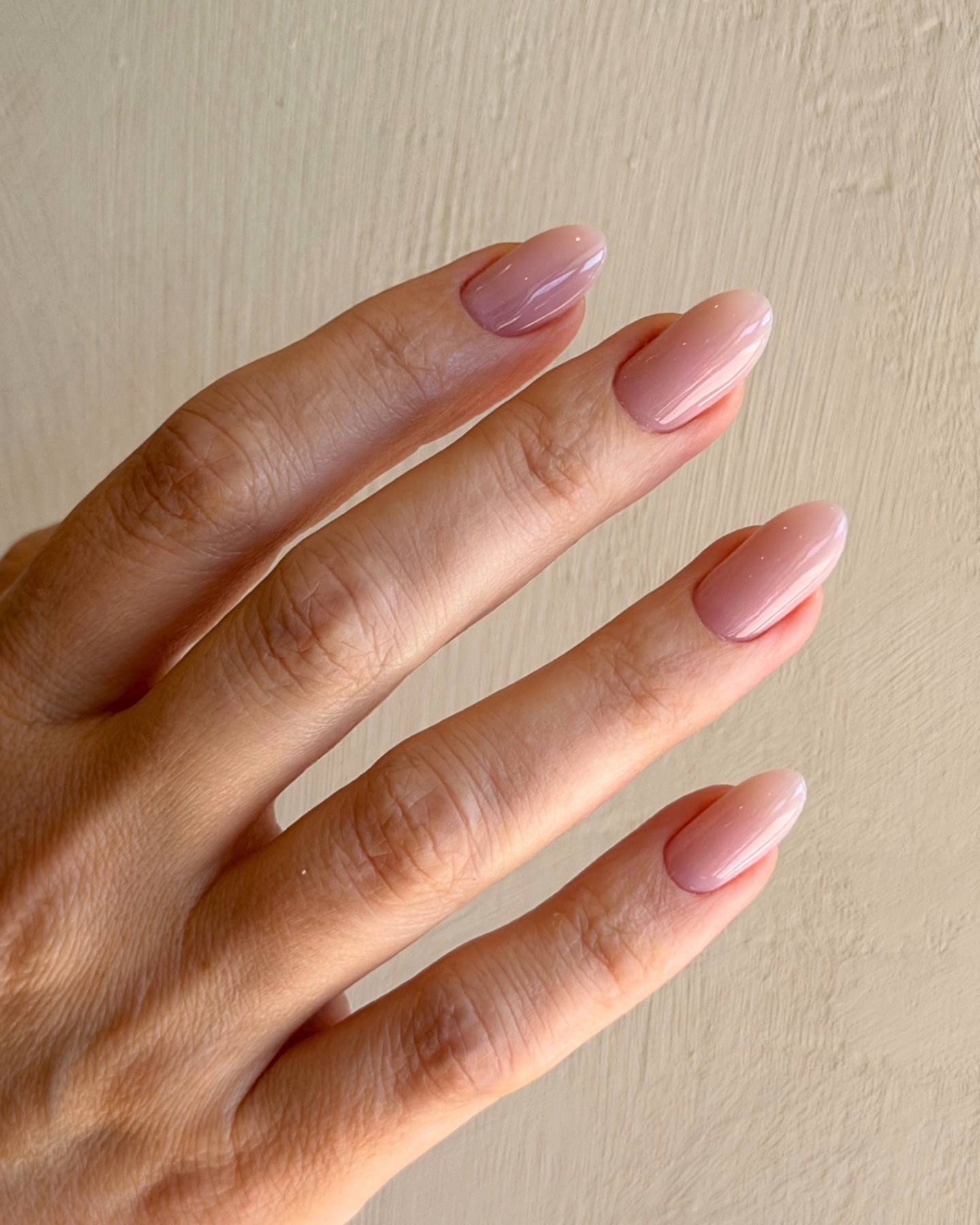
Russian gel manicures, extensions, pedicures, detailed prep, and finishing add-ons.
Choose by length, prep, art, or maintenance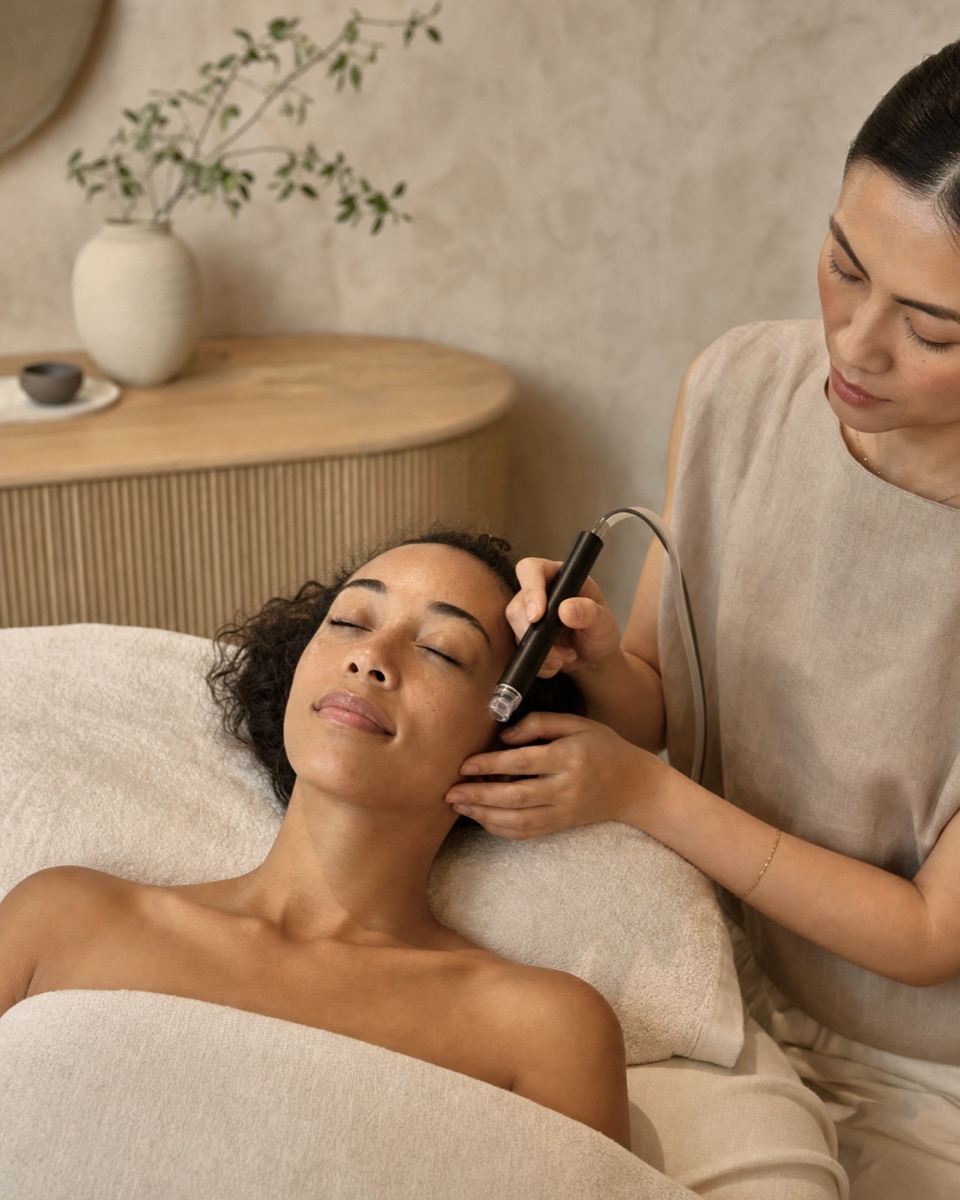 02
02
Cleansing, extraction, hydration, facials, boosters, and scalp-focused Keravive care.
Choose by skin concern and timing 03
03
Lift, tint, extensions, fills, and lash services selected around your desired finish.
Pick lift, tint, extensions, or fills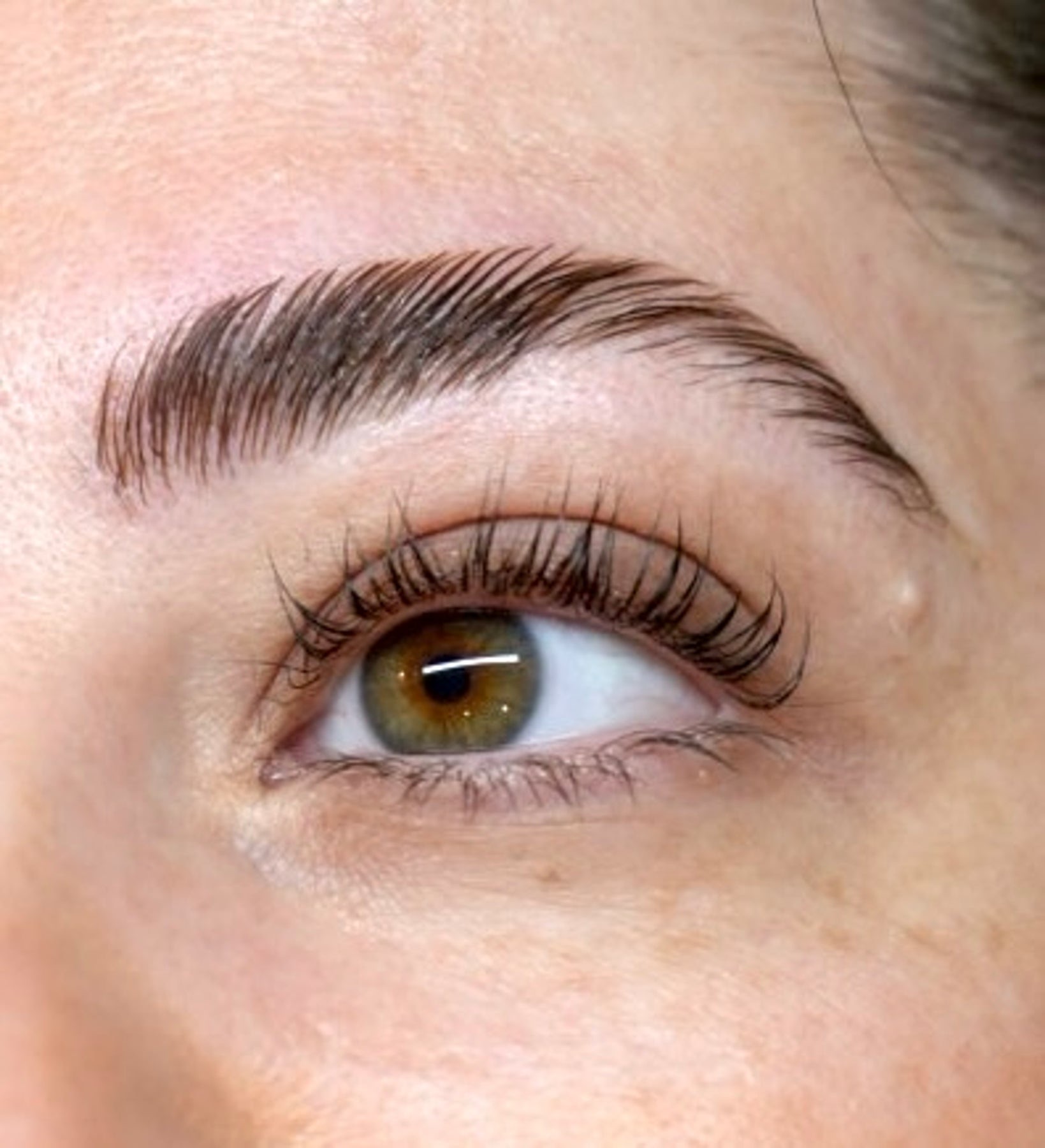 04
04
Brow shaping, lamination, tinting, threading, and face wax options.
Plan shaping, tinting, or waxingCustom facial care and skin preparation with attention to comfort and finish.
Focused body services including massage/bodywork, lymphatic care, and back treatments where available.
Face and body waxing guidance with clear pre-care and aftercare expectations.
ALL SIX Nails
Nails at ALL SIX are not just a finish. Your technician considers prep, nail condition, length, shape, product, maintenance, and the kind of wear you want after you leave.
If you want clean, long-wearing polish, begin with a manicure. If you want structure or length, look at Gel-X or hard gel extensions. If your feet need focused care, choose Smart Pedicure.
Regular or gel manicures and pedicures for clean shaping, cuticle care, and polished finishing.
Detailed e-file cuticle prep and seamless gel application for a very clean, polished look.
Apres Gel-X or hard gel extensions when you want shape, strength, and a more built-out result.
Pedicure options focused on nail shaping, cuticle care, callus/dry-skin attention, and polish.
Before you book
Arrive with any inspiration saved and note current product, damage, or sensitivity.
Your technician reviews shape, length, finish, and service path before detailed work begins.
Protect the finish, moisturize cuticles, avoid using nails as tools, and rebook intentionally.
Choose extensions when you want added length or structure beyond your natural nail. If you mainly want polish and grooming, a manicure may be enough.
Book extra time for detailed art, French, chrome, repairs, or removal so the appointment is paced correctly.
Longevity depends on service type, nail condition, lifestyle, and aftercare. Your technician can guide maintenance timing during the appointment.
Ready for nails?
Hydrafacial / Skin
Hydrafacial brings cleansing, exfoliation, extraction, and hydration into one continuous treatment. At ALL SIX, the service is paced around your skin's current condition and the finish you want to support.

A shorter Hydrafacial path for cleansing, exfoliation, extraction, and hydration.
The essential Hydrafacial with personalized booster support and LED Light Therapy where included.
A more complete Hydrafacial experience with lymphatic drainage and LED Light Therapy.
A scalp-focused cleanse, exfoliation, and hydration option from the Hydrafacial family.
The ALL SIX standard
ALL SIX brings nails, skin, body, lashes, brows, and waxing together in one Glendale salon, with careful prep, thoughtful customization, and a calm appointment experience.
Service detail matters: prep, finish, comfort, and the way your result wears.
Clear guidance helps you choose the right appointment and care for the result afterward.
Nails, skin, body, lashes, brows, and waxing live together in one easy-to-book Glendale salon.
Visit ALL SIX
515 W Broadway, Unit 110, Glendale, CA 91204
ALL SIX Gift Cards
Digital gift cards are purchased securely through Square and can be used toward ALL SIX services. Continue to Square checkout in this tab, then return to the site when you are done.
No new provider is introduced here. Gift card purchase remains on the existing Square flow.
Purchase gift cardAlready booked?
Use secure client access for appointment details, appointment management, and intake forms. Staff access stays secondary for customers.
Your All Six
Continue where your last visit left off, with your appointments, care, and purchases connected.
Restoring your account…
Enter the phone or email used for booking, plus your last name.
We’ll send a six-digit code before showing private details.
Client portal
Upcoming appointments, appointment actions, and forms appear here after secure client login.
Your visit agenda
Your next appointment, intake, care, and records stay connected to your verified profile.
Next appointment
Your appointment details are private and will appear after client login.
Next step
Your next useful step will appear here.
Your records
Complete now 0Intake & consent
Review prior submissions or complete the full medical, wellness, and service-specific questionnaire for your next visit.
Your visits
A clear record of completed services, providers, and care shared with you.
Care plan
Only client-facing guidance from your visits appears here.
Saved from your visits
See what was used, when it was used, and who selected it with you.
Review your purchases, receipts and invoices. Load older orders to see more history.
Checking order history…
Your next visit
Your account
Your verified contact details remain private.
Profile
Your verified contact information.
Primary & shipping address
Used for your profile and eligible shipped orders.
Billing address
Provided by your securely stored Square payment method.
Saved payment methods
Only the card brand, last four digits, expiry, and billing address are shown here. All card entry and replacement stays in Square’s secure checkout.
Intake in progress
Your private intake formStaff experience
Reception can see intake status and follow-ups. Technicians can review risk flags, document the visit, add photos, and create a plan.
Staff access
Managers create staff usernames and temporary passwords in the Portal Users table. Staff can then set their own password here.
Staff password
Passwords must be at least 8 characters.
Owner access
Owners can allow or disable staff portal access. Password values stay private.
Sign in as an owner/admin to manage staff access.
Opening your workspace…
Reload if this is taking too longStaff Dashboard
Appointments, client preparation, follow-ups, and operational attention.
Appointments
Live Square appointments appear here when connected.
Management intelligence
Reporting period
Filter this view
Active means a current All Six profile included in day-to-day management reporting. Historical includes inactive and legacy profiles for prior-period review.
Staff sales report
Staff-only processor and order references for payment reconciliation.
Open Reconciliation to load recent paid orders.
Square calendar
Loading upcoming appointments from Square.
Chart
Client context
Permitted operations
Recent chart activity
Client workspace
Choose a result from the search panel. Appointments, forms, care history, products, colors, orders, and action-required work will then stay together here.
Needs attention
Notes & logs
Choose a visit note for routine treatment documentation or a service log for an incident, correction, or management review.
Photos & files
Open photos, documents, or treatment resources only when you need that part of the chart.
Timeline / history
Visit note
Resource library
Add products, modalities, colors, protocols, and default prompts once, then use them inside visit notes.
Service log
This client-level record keeps visit notes, products/resources, incidents, corrections, photos, follow-up, and outcomes together.
Service log summary
Review every client-level service log, add management notes, assign the next action, and track the outcome without mixing this queue into Performance follow-ups.
Open the report to load service logs.
Progress photos
Legacy chart
Order invoice
Client photo
Use the controls to inspect treatment details.